Secure Payment
SSL encrypted checkout
Instant Access
Download immediately
Security & Trust
Our Guarantee
Need Help?
Our dedicated support team is available 24/7 to assist you with any questions or issues.
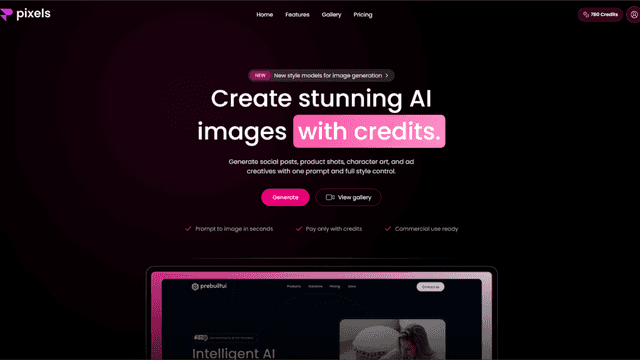
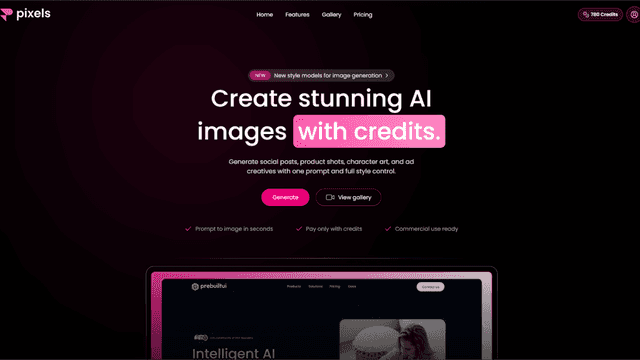
AI Image Generator Website using Next.js.
Have a Promo Code?
Description
Live - https://ai-image-generator-mdb.vercel.app/ Code Management Push the complete project code to GitHub using any AI-powered IDE (e.g., Cursor, Antigravity, Windsurf). Ensure proper commit messages and branch management for clarity and maintainability. Deployment Platforms You can deploy the project seamlessly on platforms such as: Vercel,Railway Or any other modern hosting service supporting Node.js applications. Running the Project Locally Install Node.js https://nodejs.org/en/download Open Command Prompt Navigate to the project folder using the command prompt or terminal. Install Dependencies bash npm install Start Development Server bash npm run dev Allow any required pop-ups during execution. Access the Application Open your browser and visit: Code http://localhost:3000 Deployment Readiness Once tested locally, the project is ready to be deployed to your chosen hosting platform. Support For any issues or queries, please use the floating WhatsApp button integrated into the project to contact us directly.
What's Included
- Complete Source code ( zip )